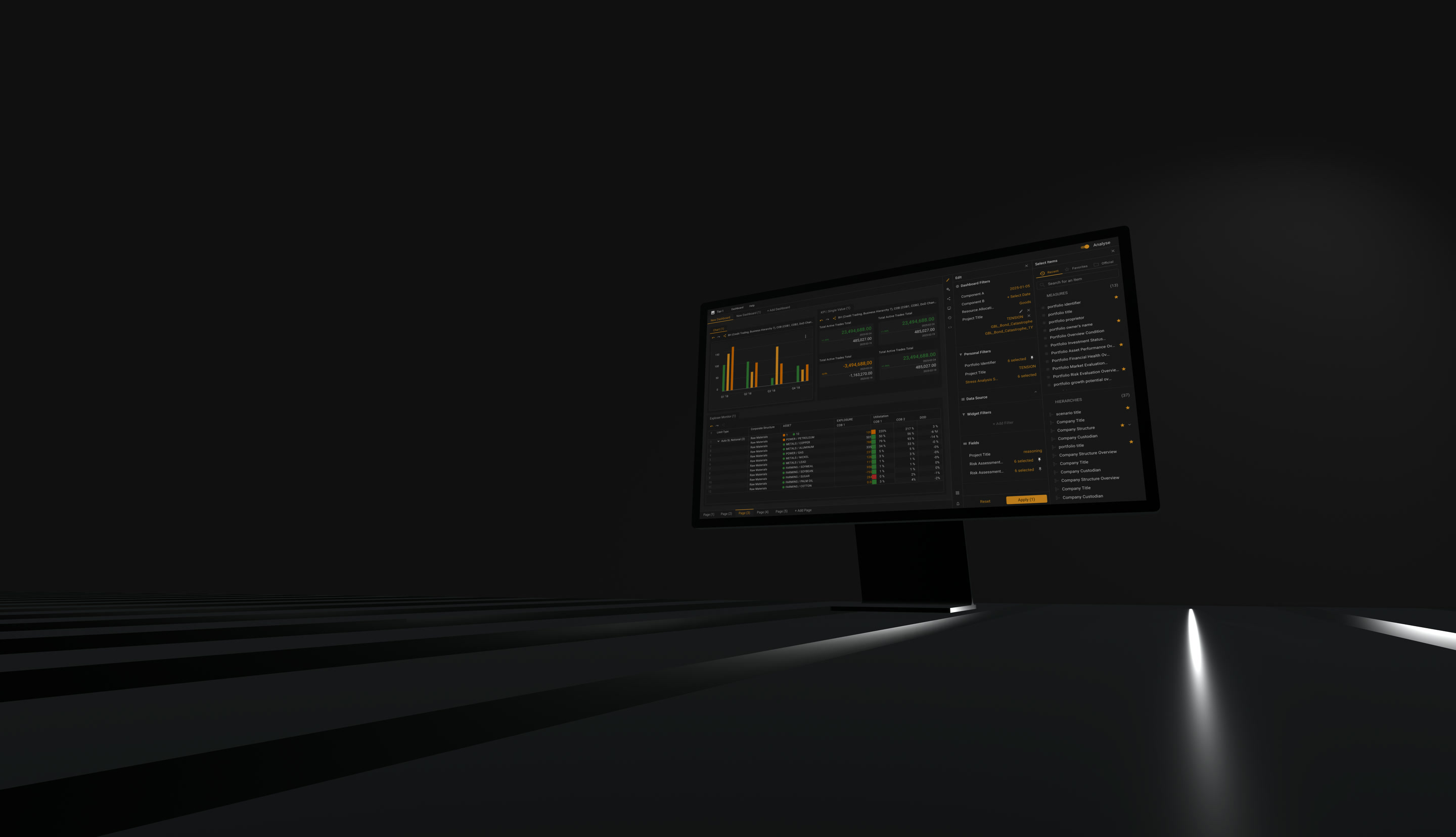
BabyNaps - two live apps, and engagement that would not hold
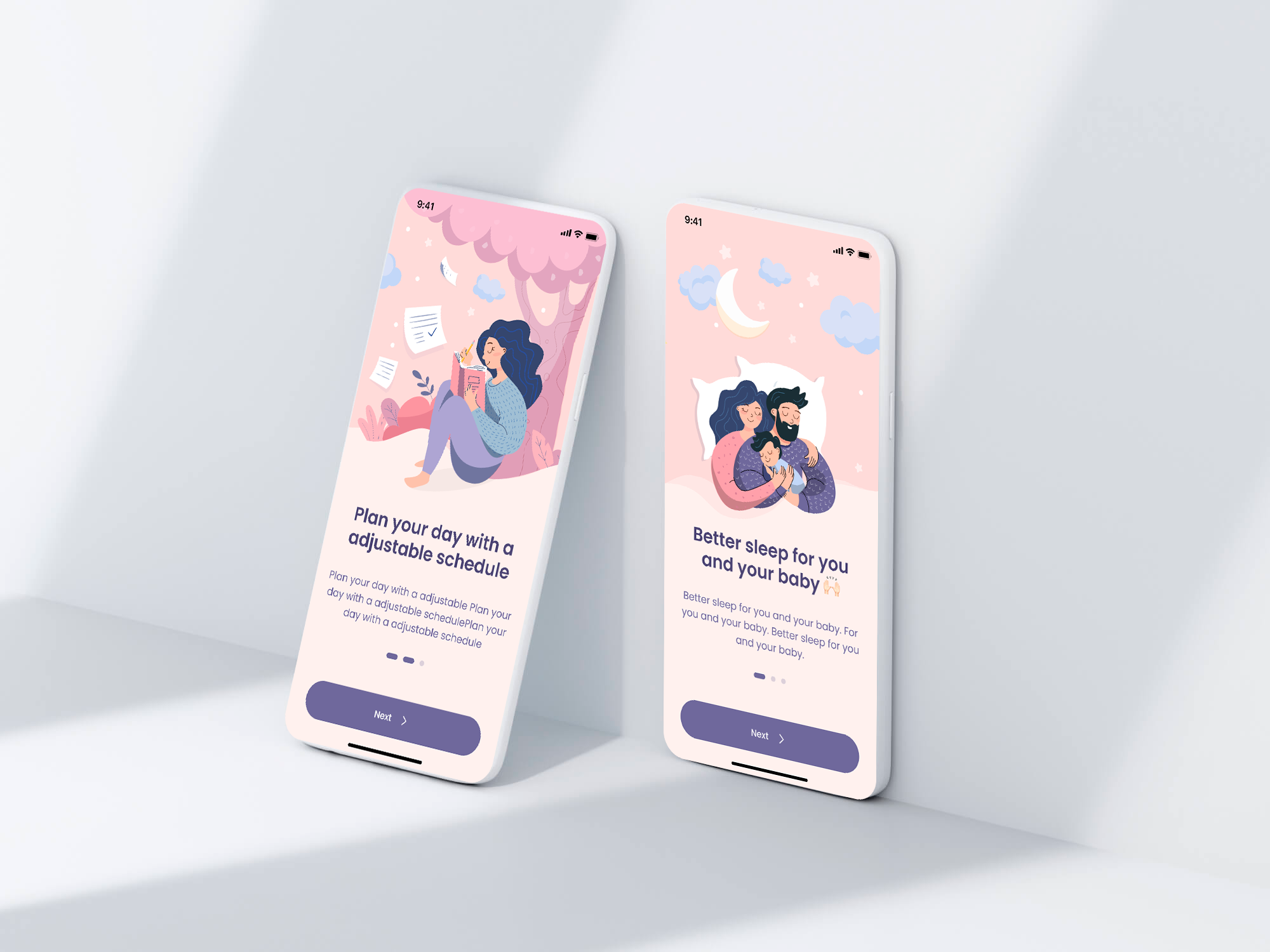
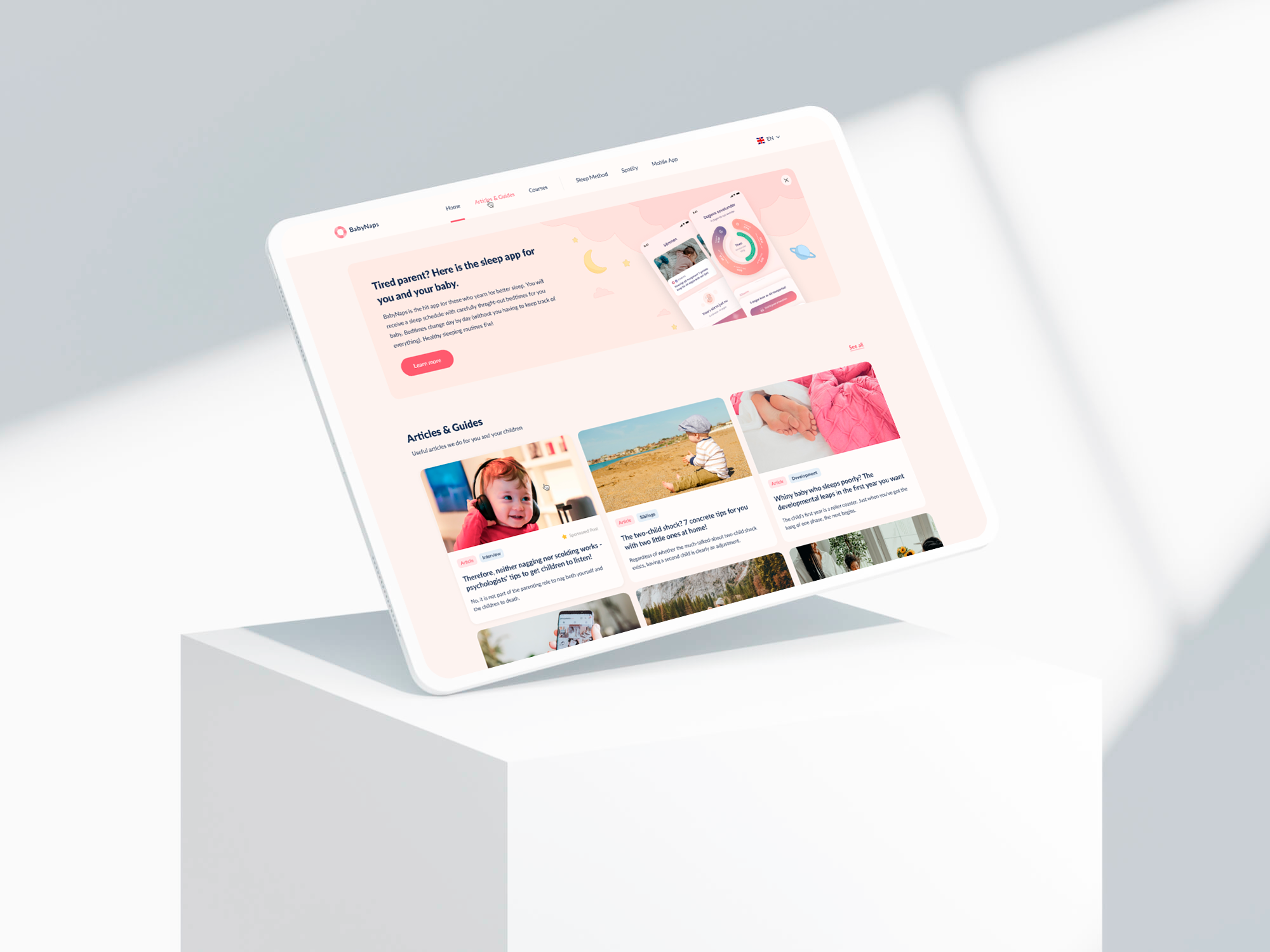
The partners already had both a web app and a mobile sleep app. What they asked for was not another product - it was for people to keep opening the ones that already existed.
Situation
Two apps in use, and engagement that would not hold
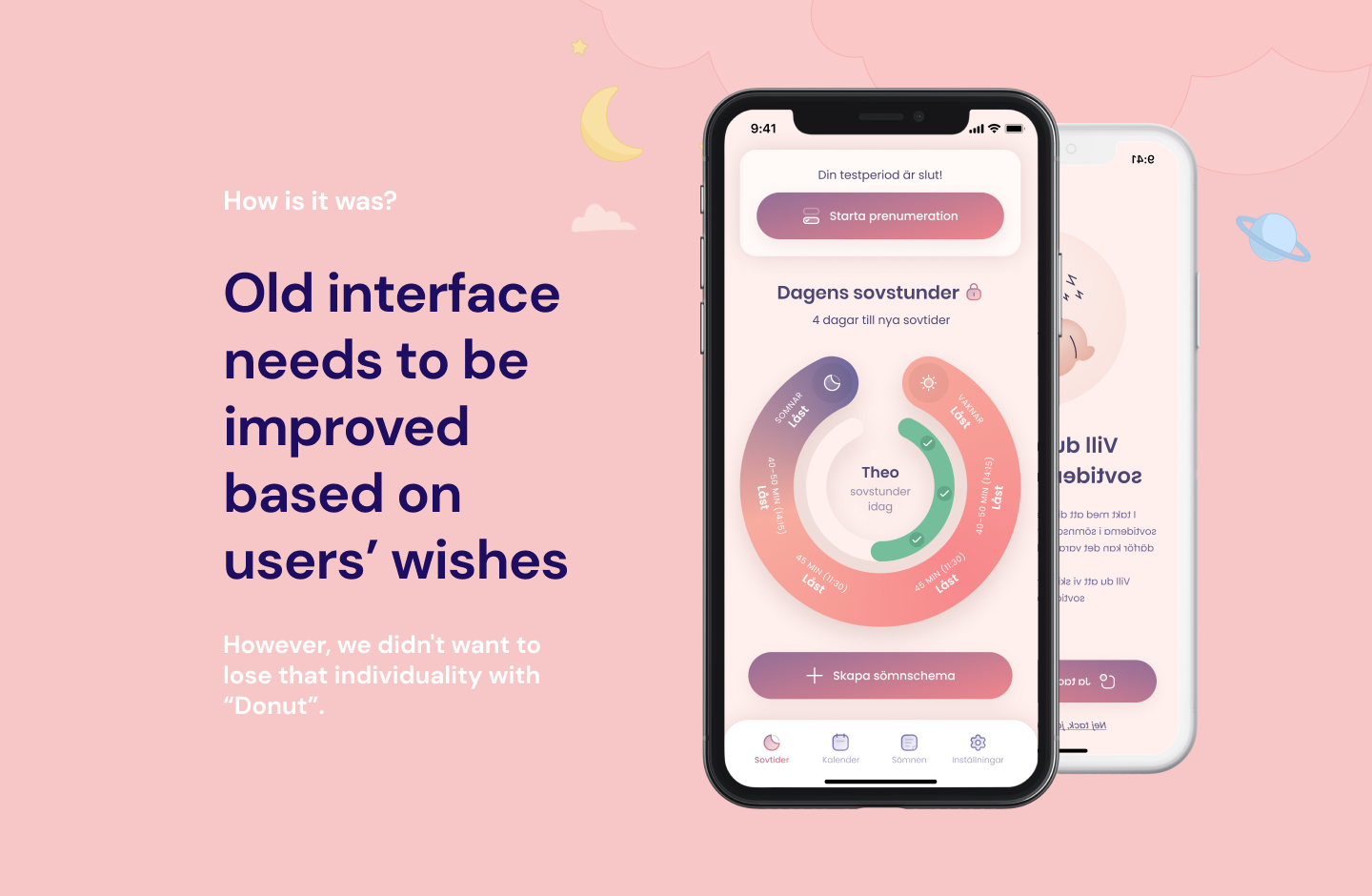
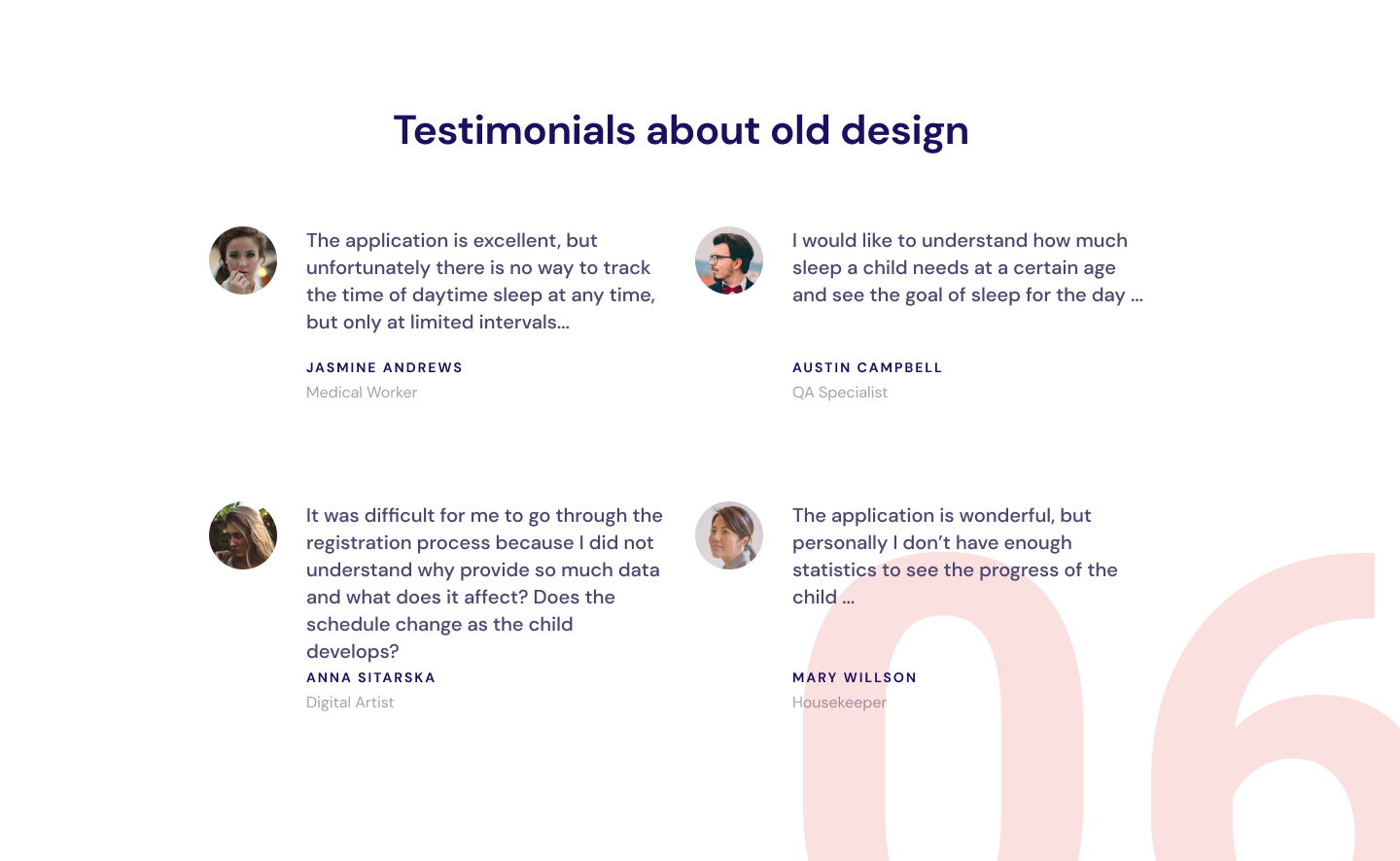
A web app and a mobile sleep tracker were both live, and both were being opened less than the partners wanted. The brief was to redesign them for engagement, so the work started with an analytics pass over the audience: the redesign followed what the data said, not what the room assumed.
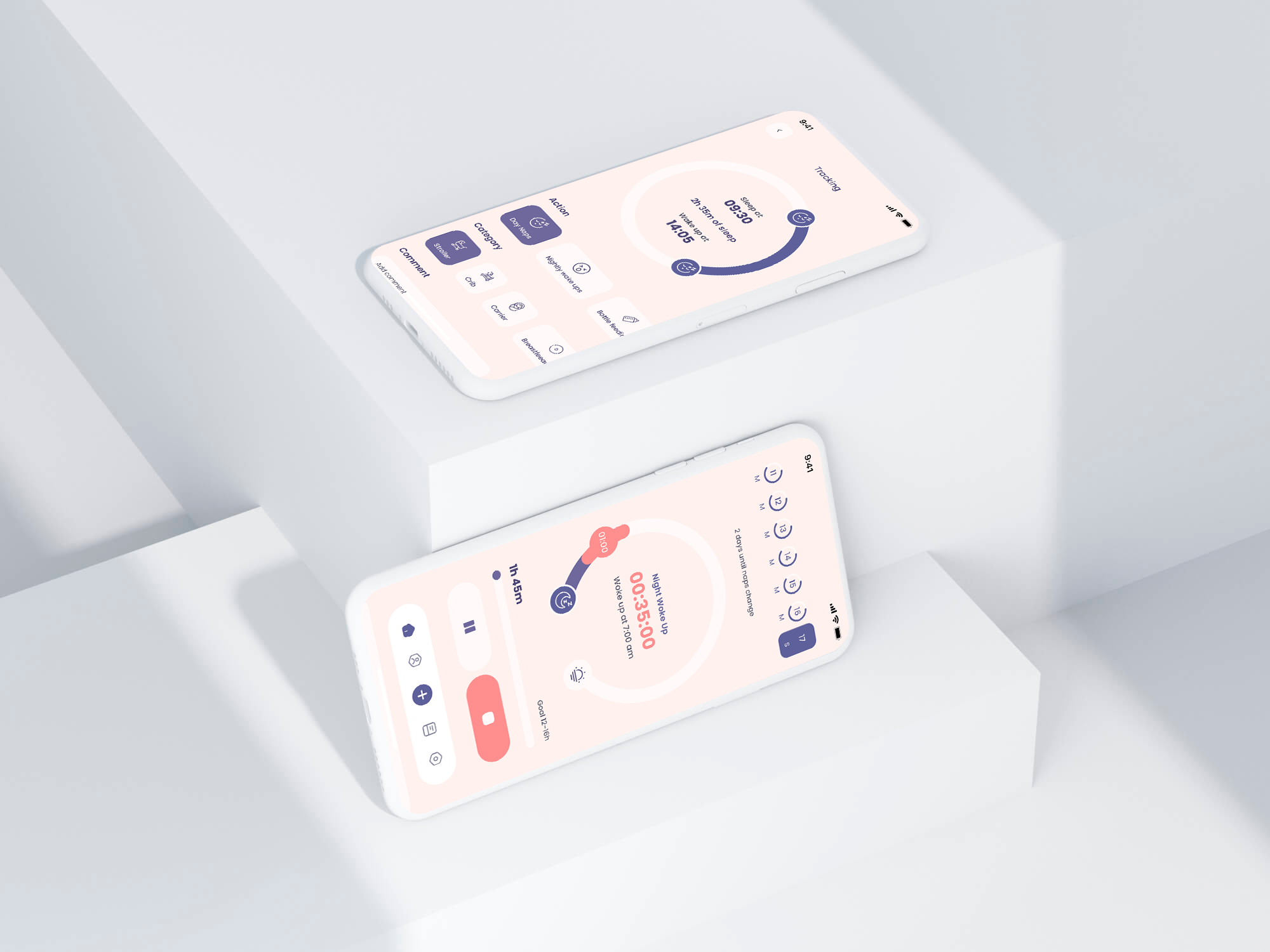
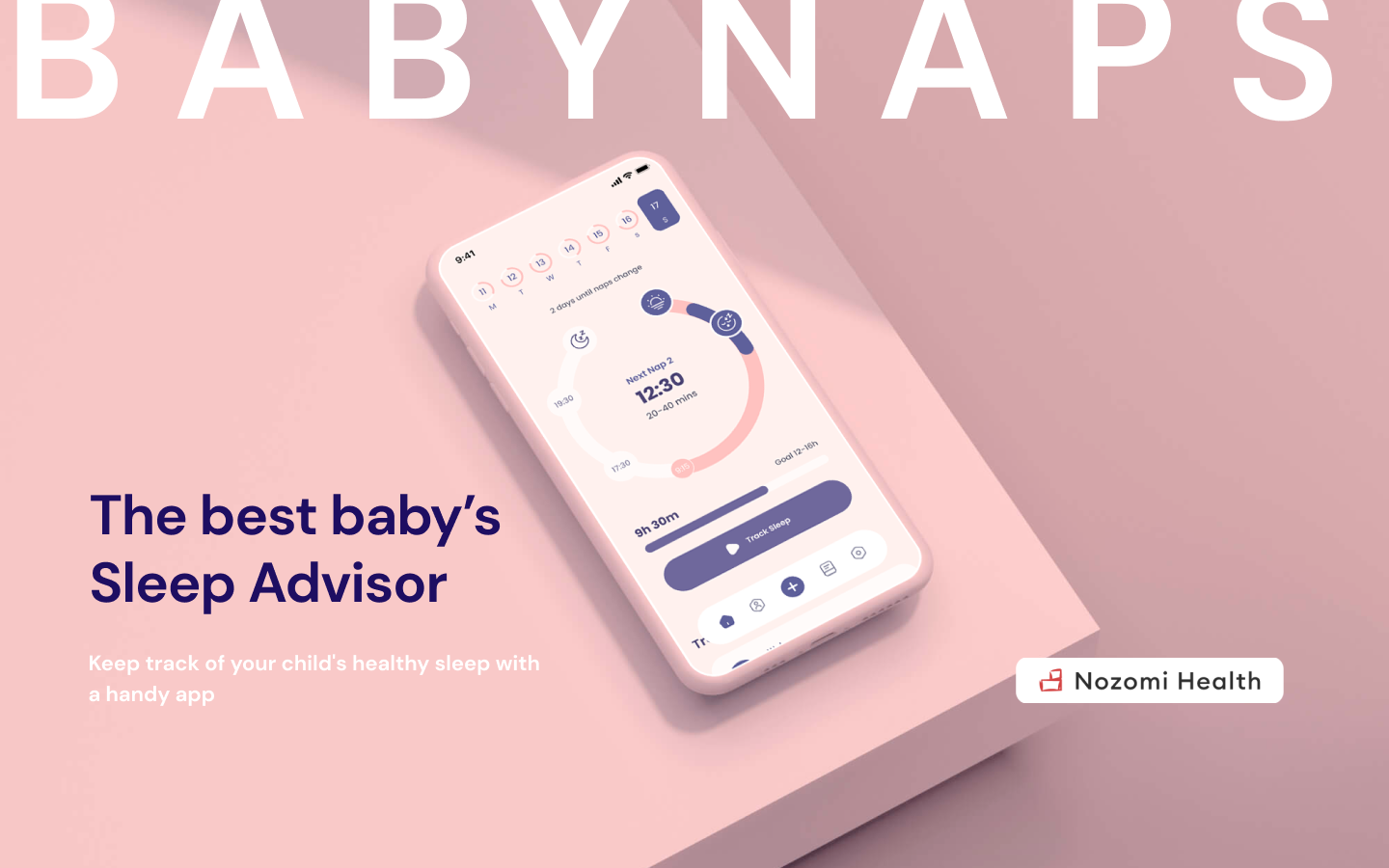
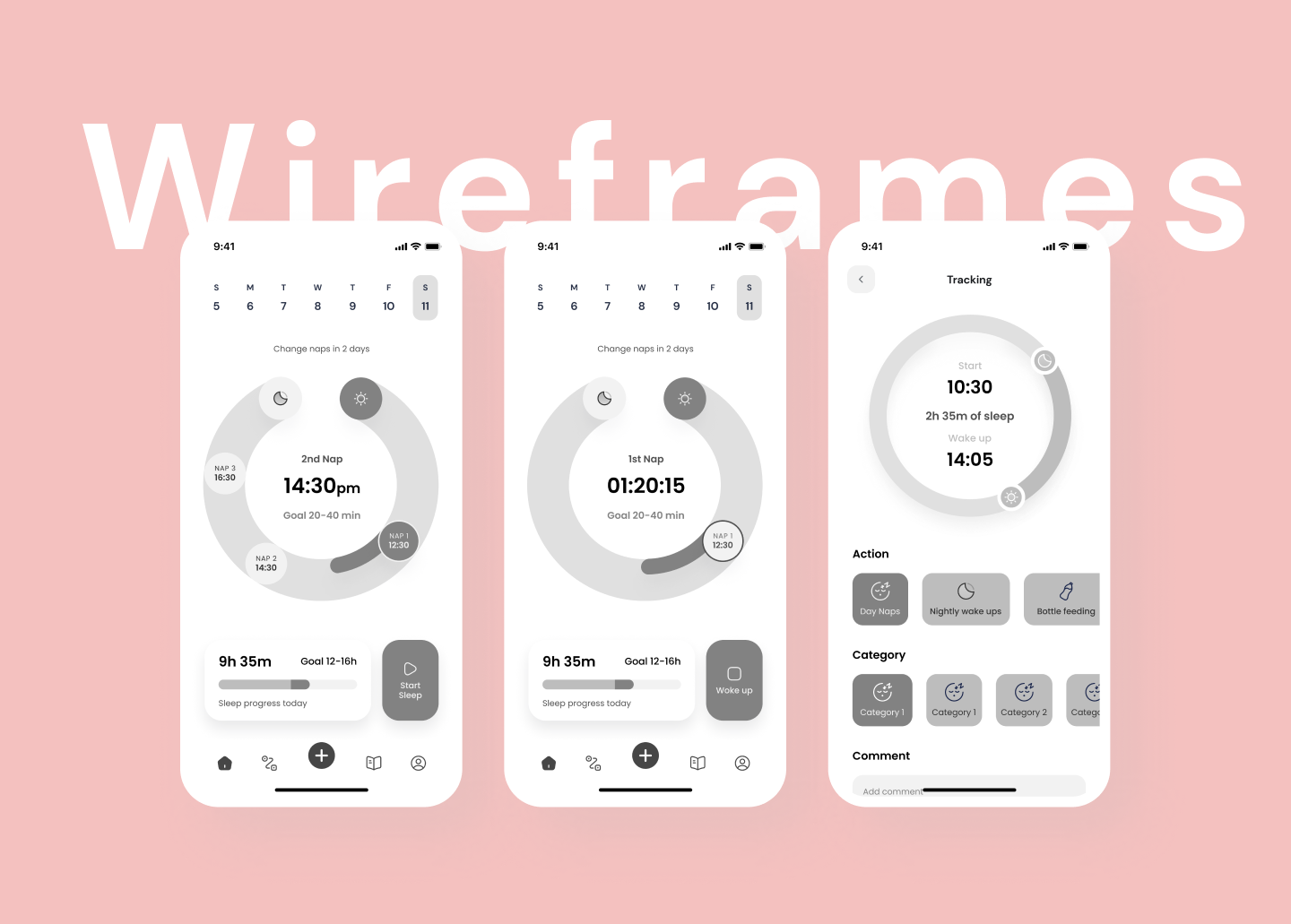
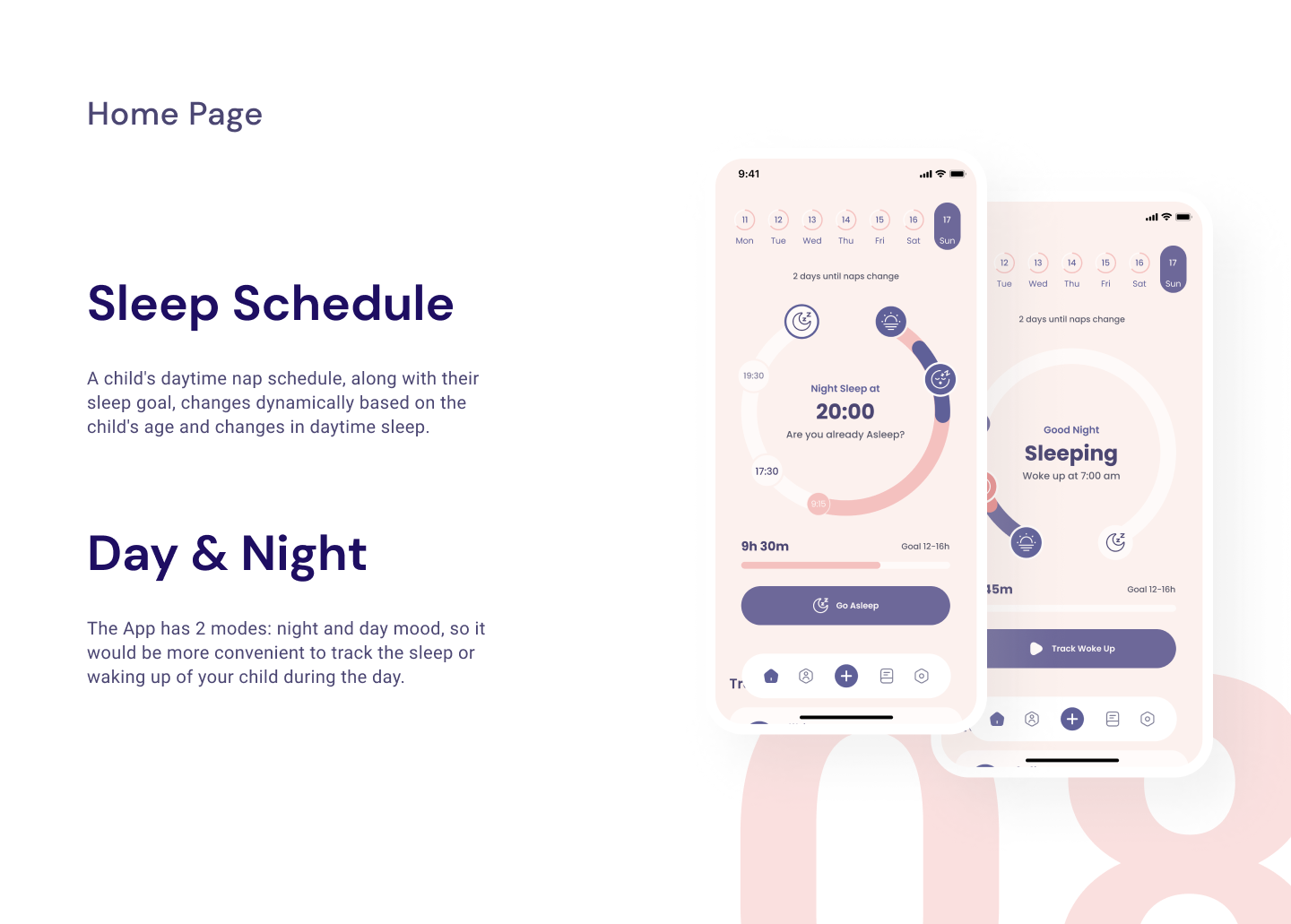
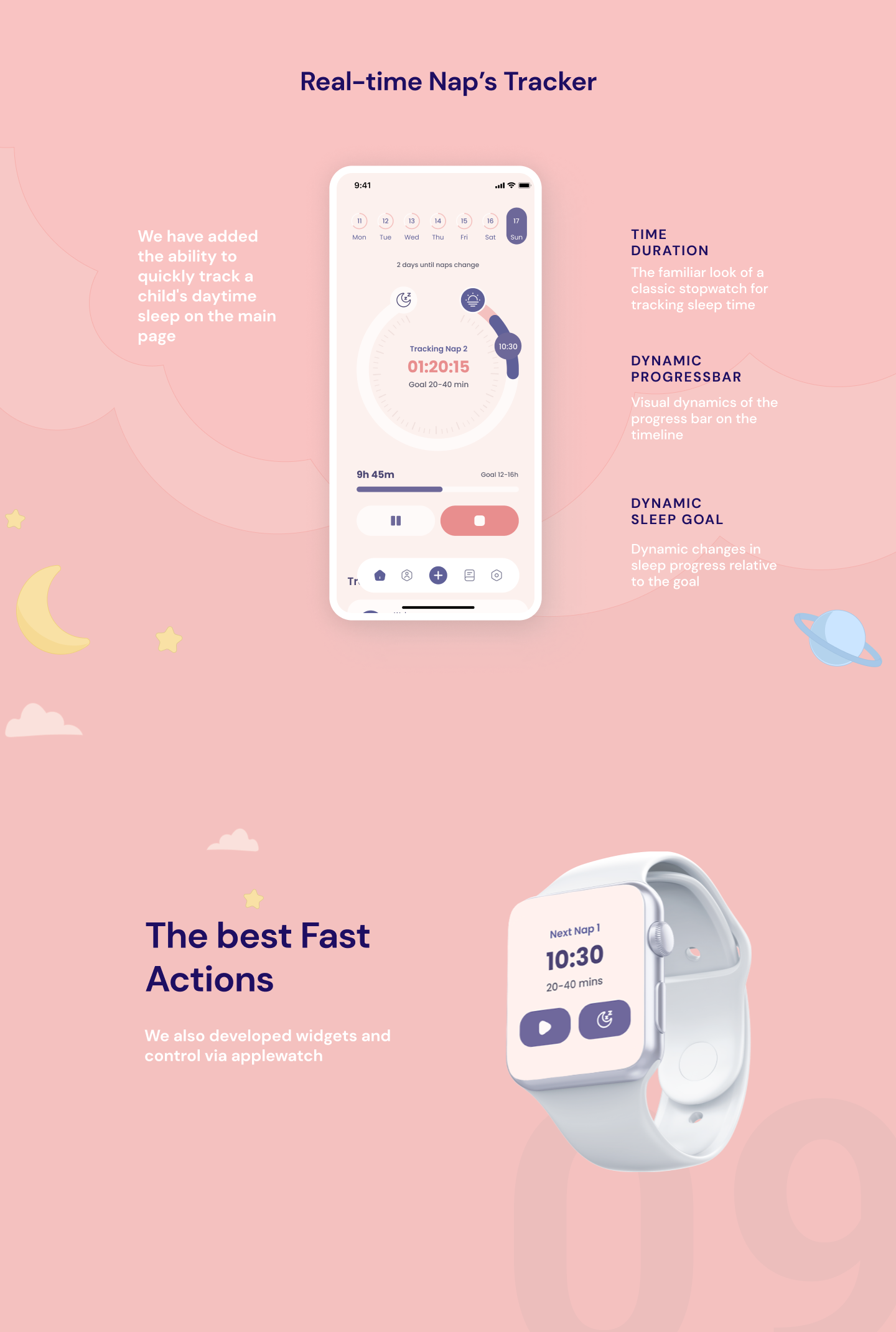
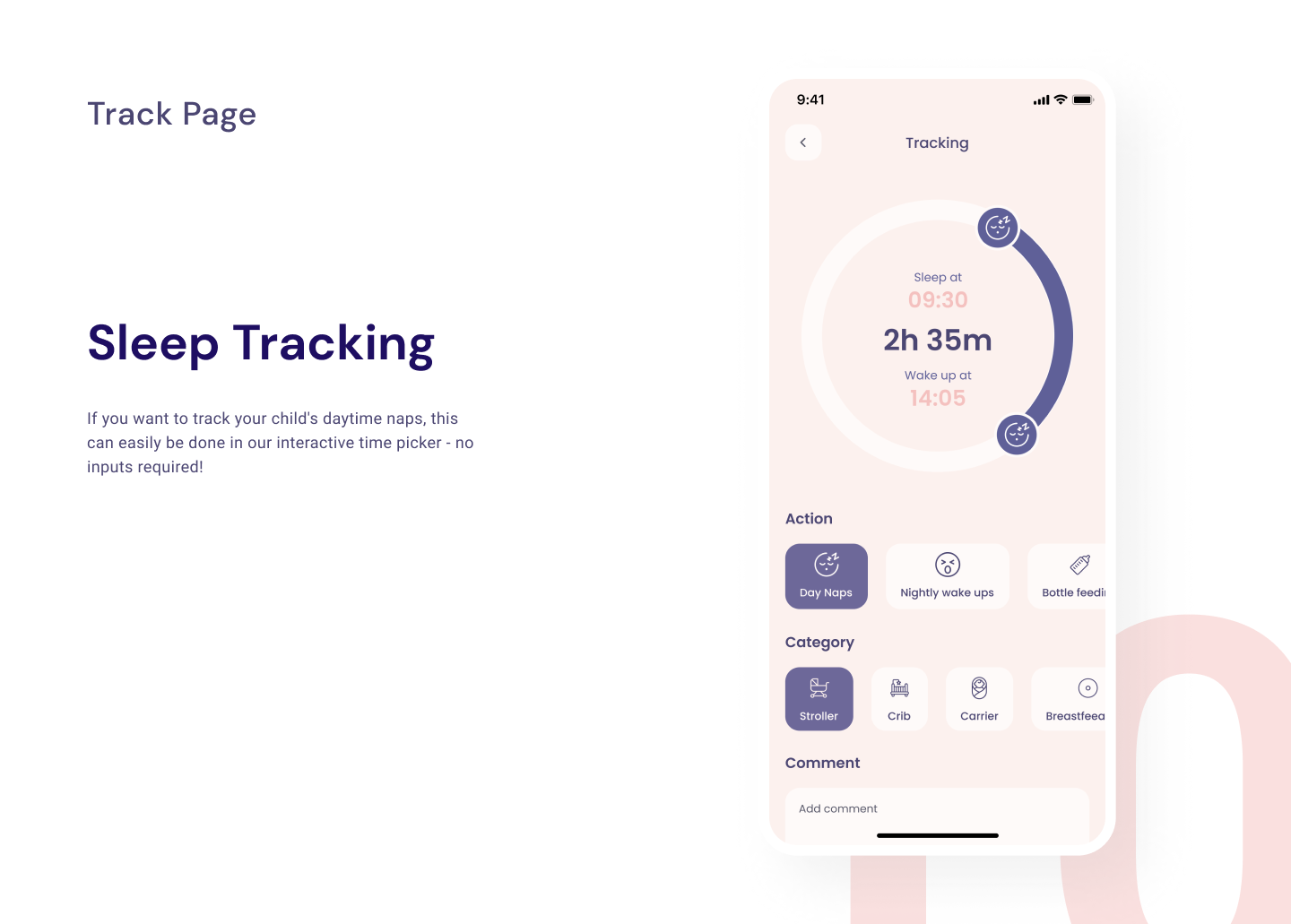
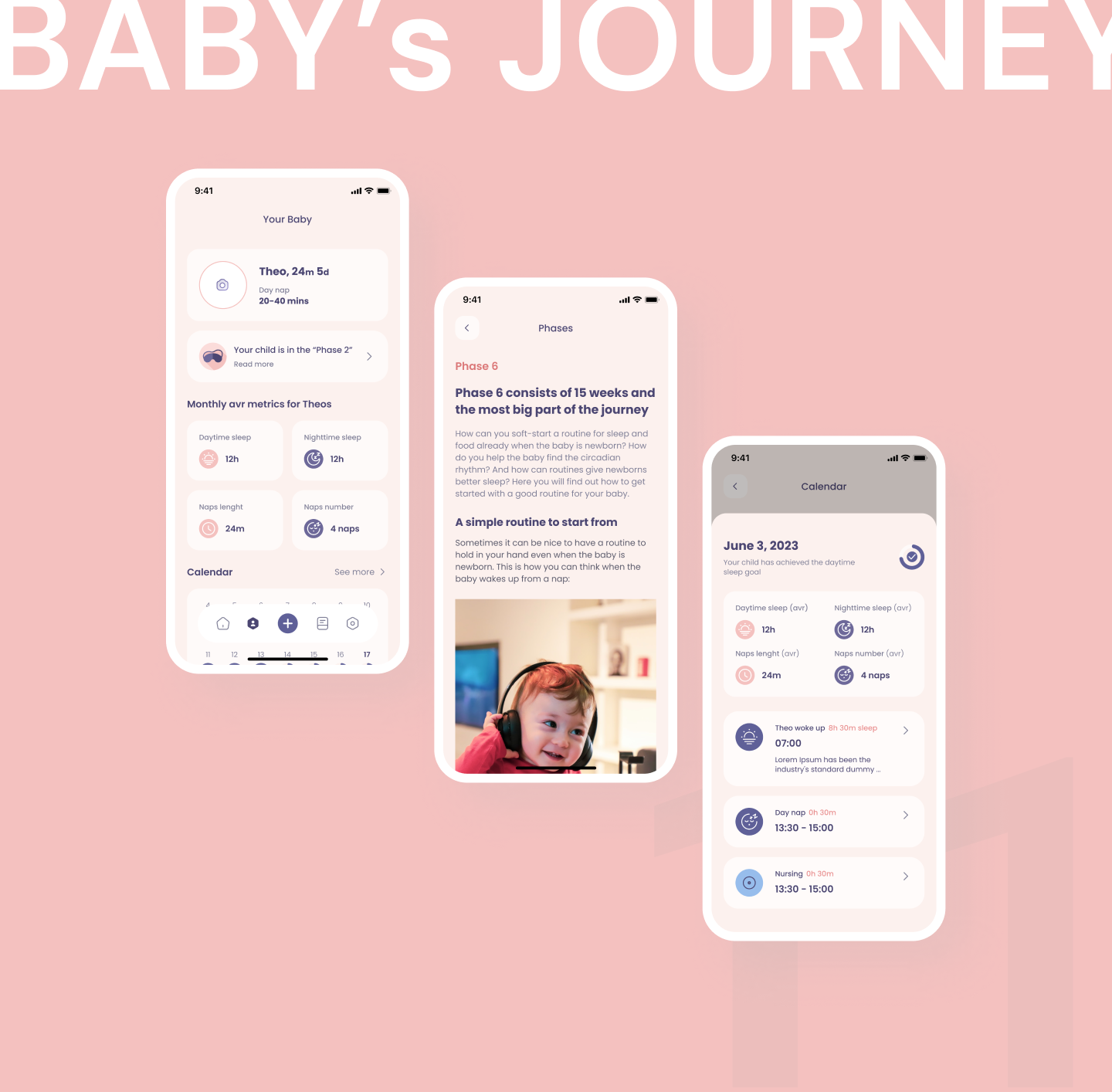
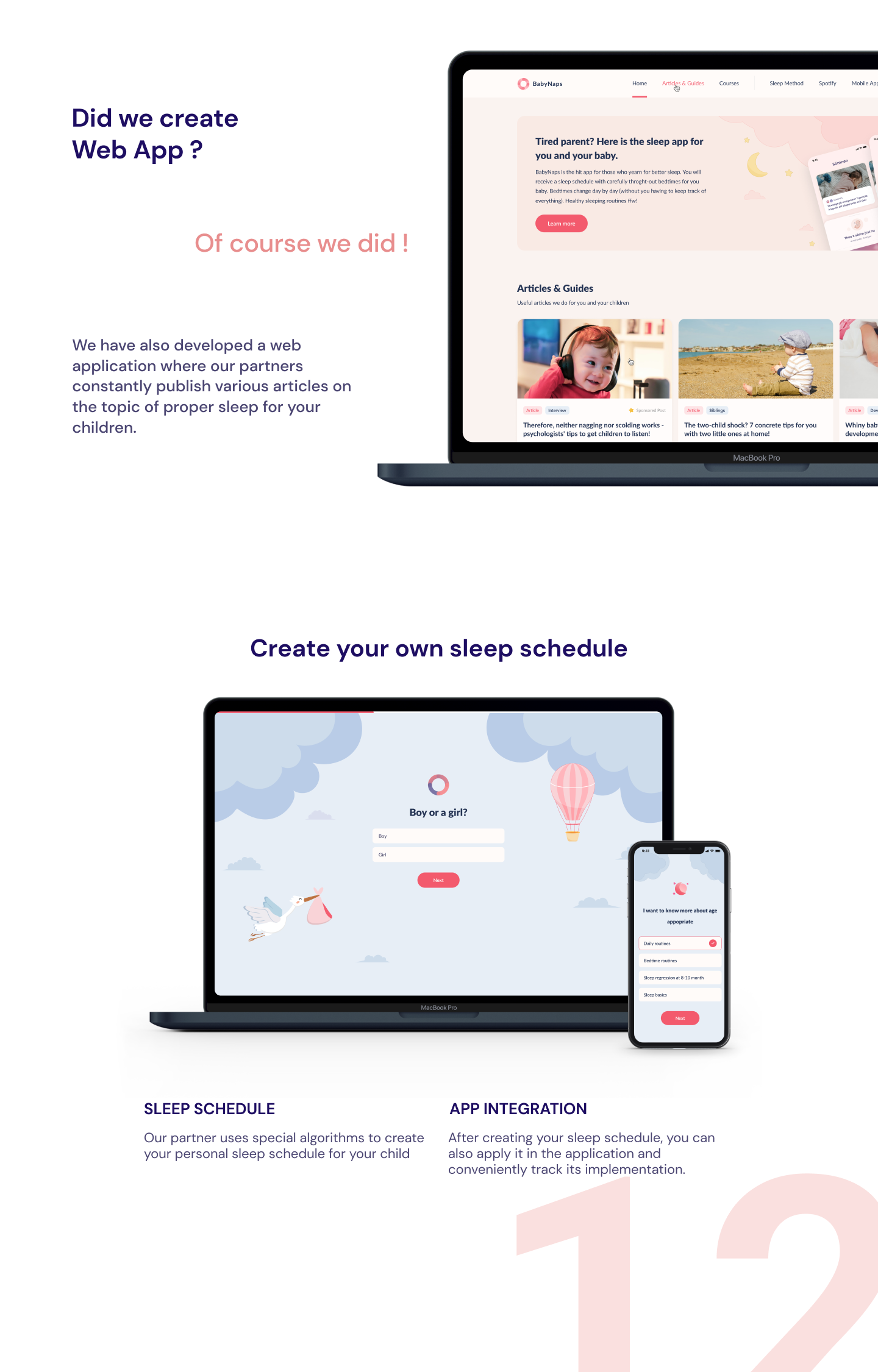
Children’s sleep tracking across web and mobile, released on the App Store. The job of the product is narrow and unforgiving - help a parent adjust daytime naps so a child reaches the sleep they actually need.
Objectives
Five things the partners asked for
01
Identify the primary user pains
02
Raise engagement across both the web and the mobile app
03
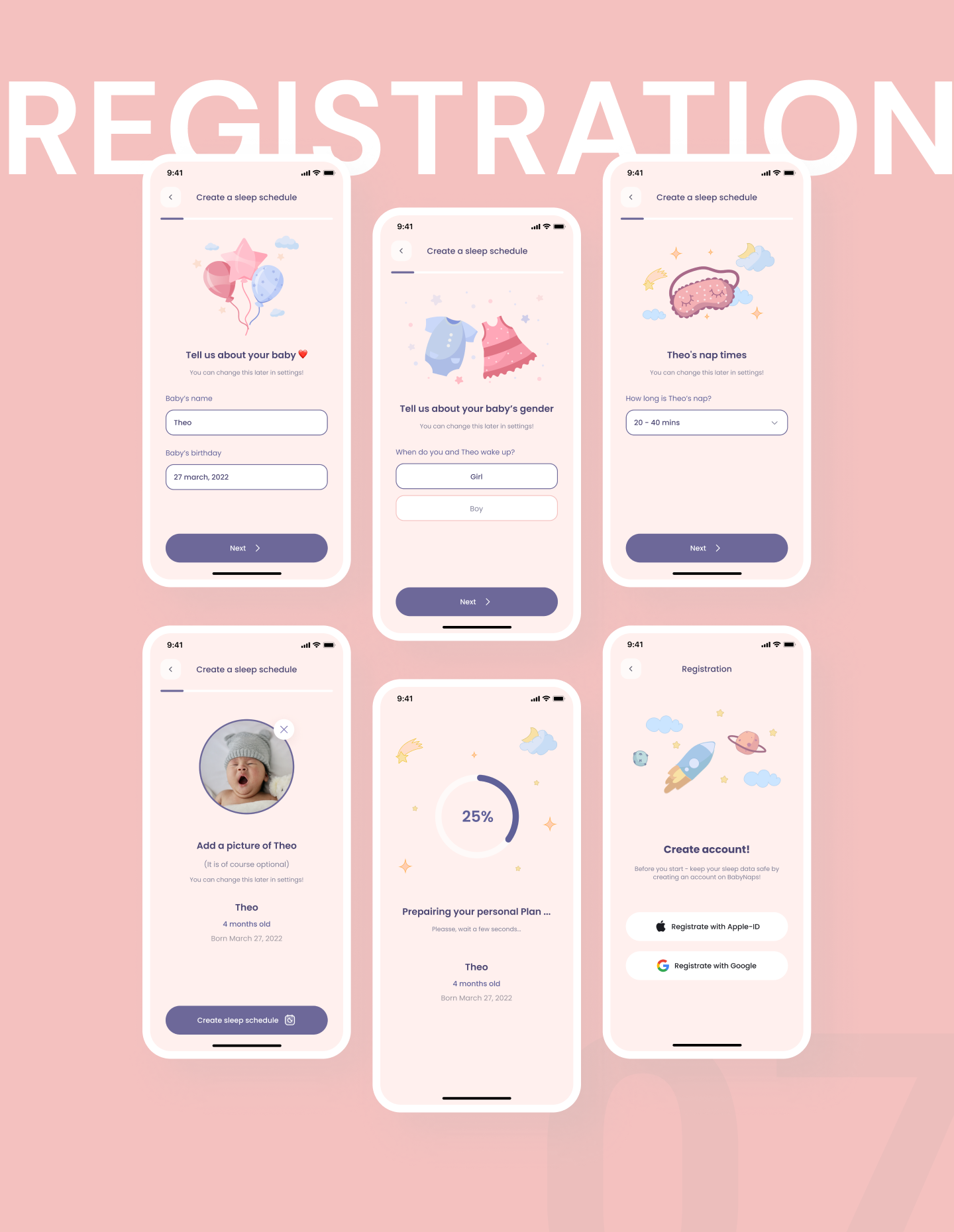
Improve the onboarding process
04
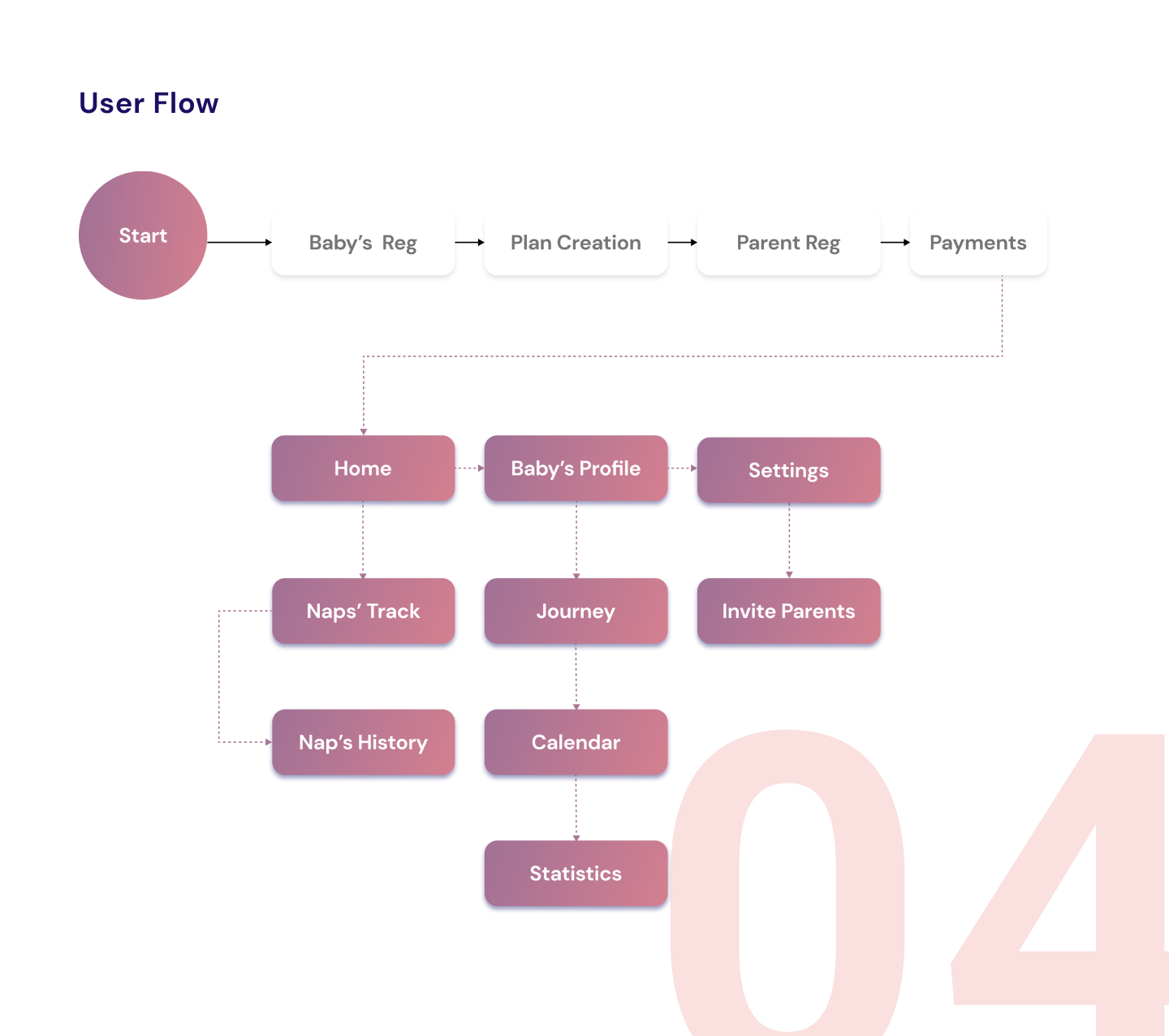
Build a navigation process that stays simple
05
Build the new modules - frames and prototypes - against the technical requirements
Method
How it was done
01
Found the pains before redrawing anything
An analytics pass over the target audience first, then user tests built for this product - the flow and the pain points were located, not assumed.
02
Rebuilt the UX
User flows and user paths, carried into an interactive prototype and tested as one, rather than screen by screen.
03
Rebuilt the UI
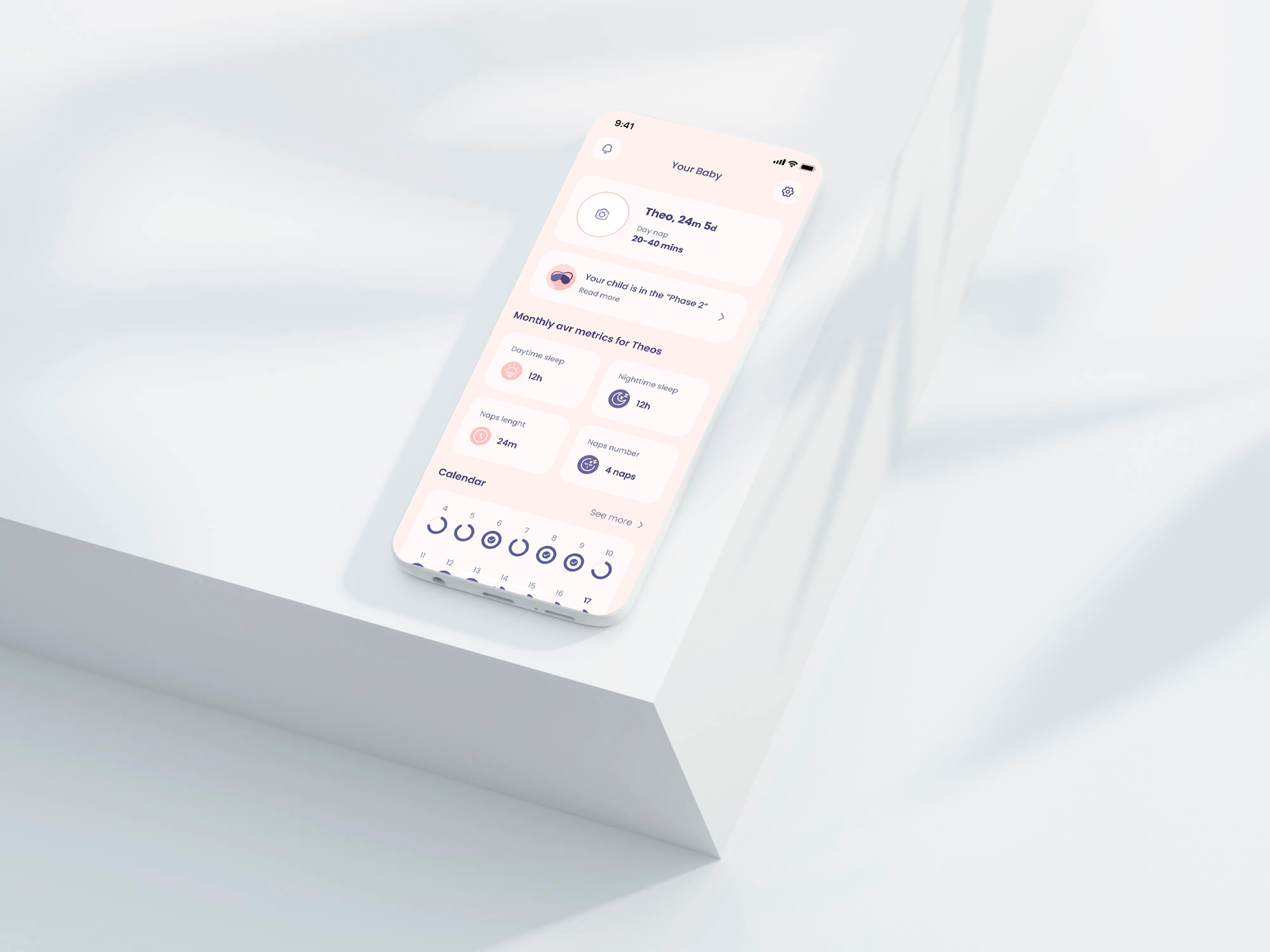
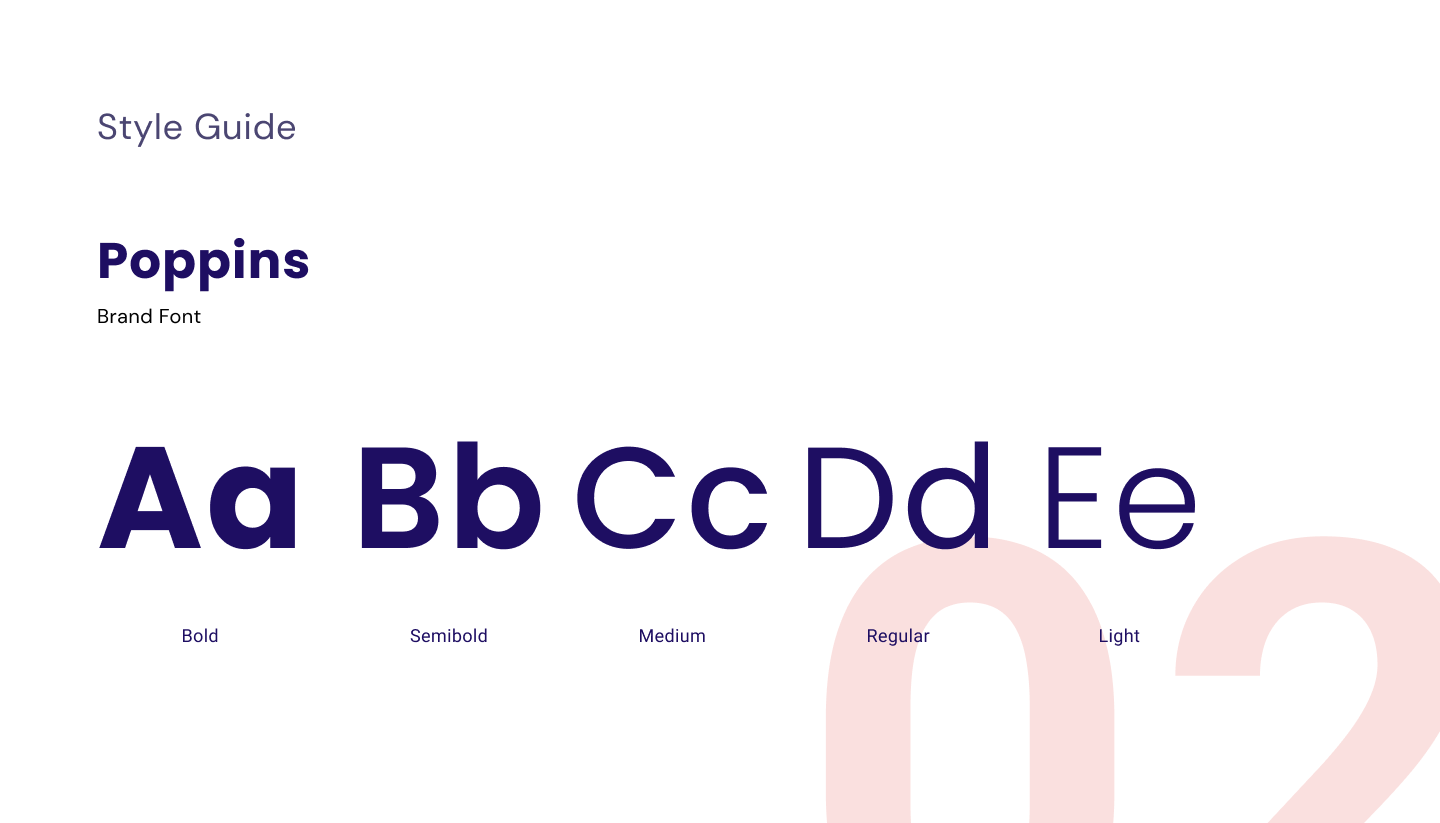
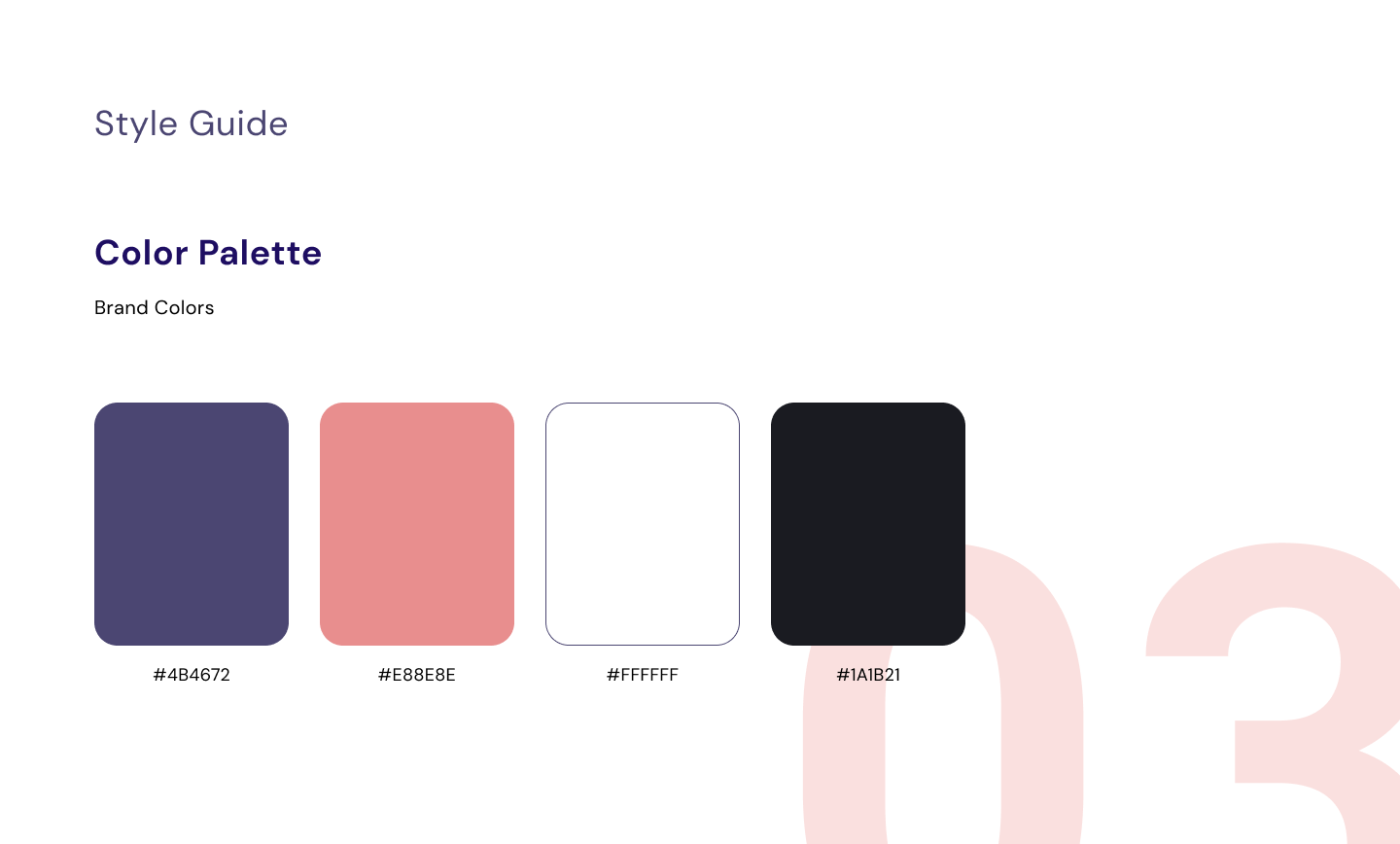
Grid, the three-colour rule, the three-click rule, honest clickable areas. A parent reads this app one-handed, in the dark, next to a sleeping child.
04
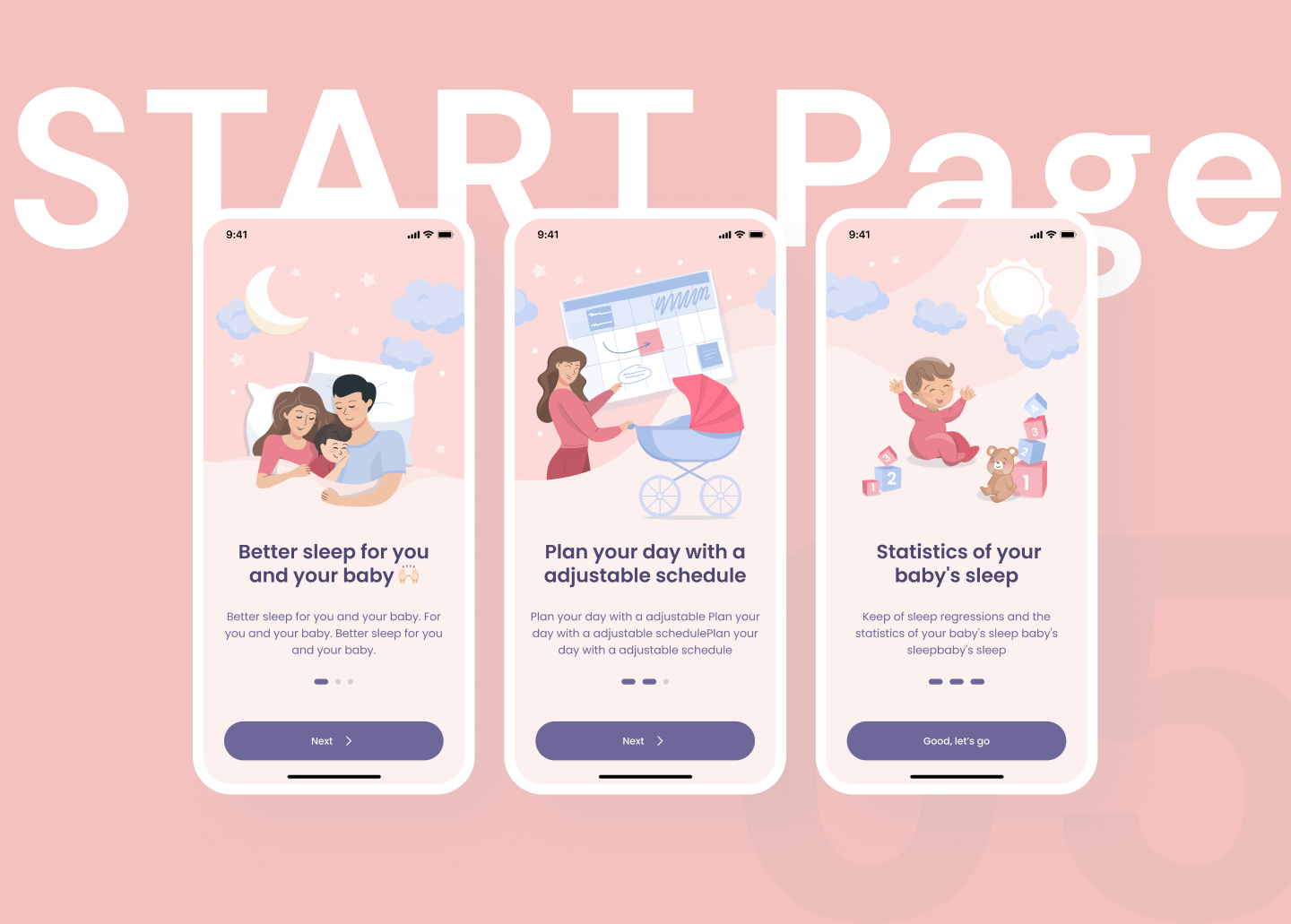
Built onboarding as its own module
Not a screen bolted to the front of the app but a module with its own interactions, added to the product as a new part of it.
05
Rebuilt navigation and illustration
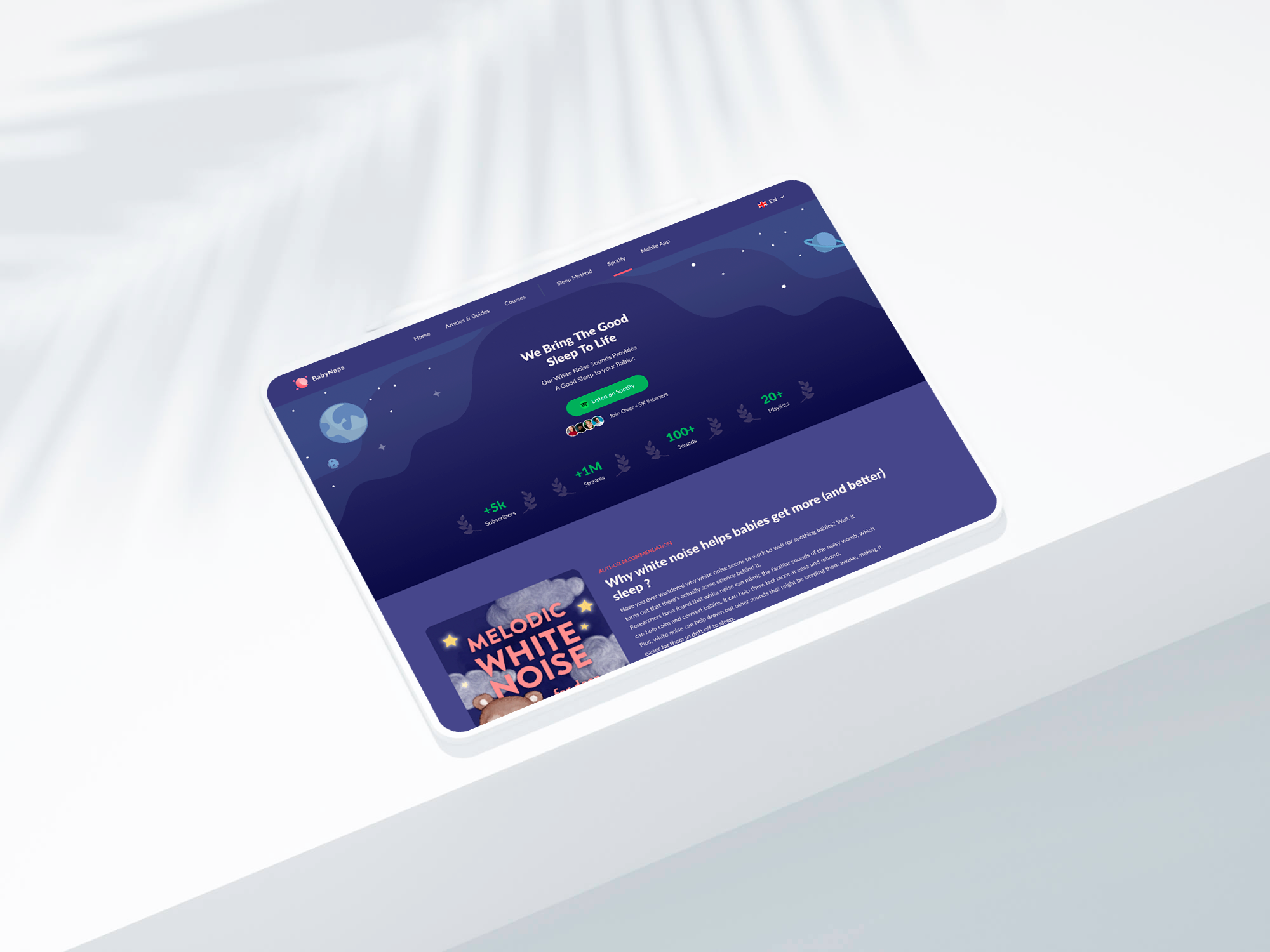
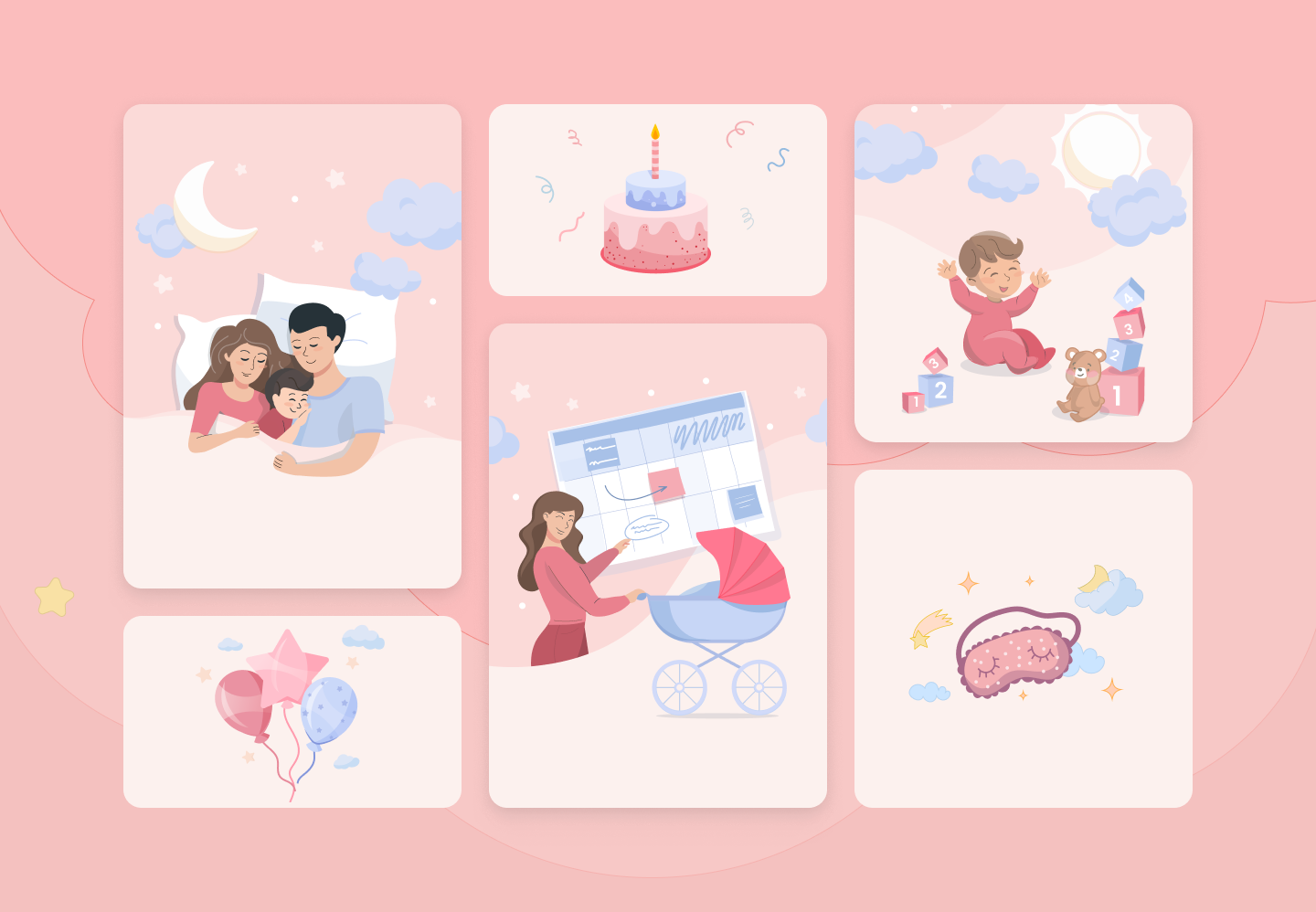
Navigation restructured against known patterns of the audience, and the illustration set redrawn - in a product about a child’s sleep it carries tone, not decoration.
06
Tested locally and iterated
The prototype went through usability testing before and after the redesign, and the findings went back into the design.
Results
What the tests said
The strongest test numbers of this portfolio. Success here was measured as engagement and brand recognition, through usability testing before and after the redesign - a different metric set from enterprise finance, and worth naming as such rather than hiding.
(Brand-colour recall, after redesign)
95%
(Users with no navigation problems)
92%
(Objectives)
05
(Platforms rebuilt)
02
The full deckEvery screen and flow from the project presentation, in the order it was built (16 images)Click to open section
Financial projects